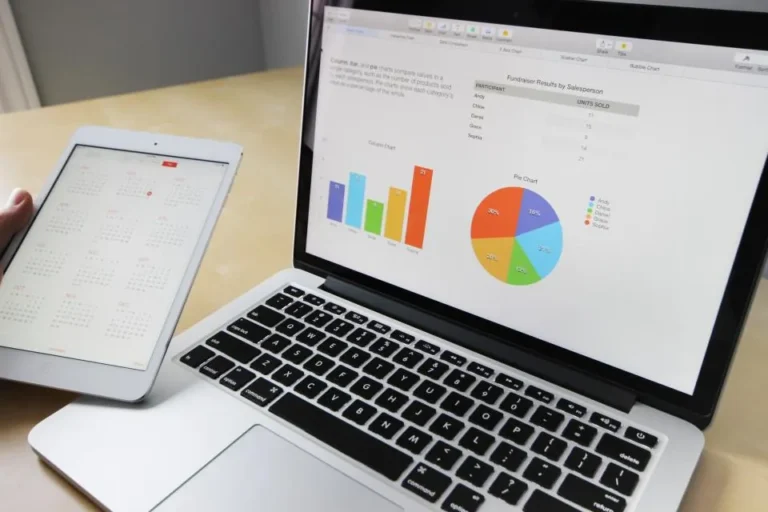


- AI tools are best at first drafts, summaries and repetitive formatting.
- Human judgment is still essential for facts, tone and final decisions.
- A short personal “AI policy” keeps your data and reputation safe.
A few years ago, using an AI assistant at work felt experimental. Today it is as ordinary as opening a spreadsheet. Writers, analysts, marketers, teachers and small business owners now lean on AI tools for everyday work — not to replace their skills, but to remove the slow, repetitive parts of the job. This guide from Domikyo.com looks at where these tools actually help, where they do not, and how to build habits that make them worth your time.
Where AI tools save the most time
The biggest wins come from tasks that follow a pattern. When a job has a predictable structure, an assistant can produce a solid starting point in seconds.
- Email and messages: turning bullet points into a polite, clear reply, or shortening a long draft.
- Meeting notes: summarising a transcript into decisions, owners and deadlines.
- Research starts: outlining a topic, listing questions to investigate and suggesting sources to check.
- Formatting: cleaning up tables, converting notes into checklists and fixing inconsistent styles.
- Brainstorming: generating headline options, campaign angles or interview questions.
In each case the tool produces a draft. You still decide what is accurate, what fits your audience and what gets sent.
Where they still fall short
AI systems predict likely text; they do not “know” things the way a careful expert does. That leads to a few predictable weaknesses. They can state outdated or invented facts with total confidence, they struggle with very recent events, and they tend toward generic phrasing that sounds polished but says little. They also cannot understand the politics of your workplace or the history behind a client relationship.
Treat an AI assistant like a fast, eager intern: helpful for first drafts, never the final reviewer.
A simple workflow that works
- Start with your own thinking. Write three to five bullet points about what you want to say or achieve.
- Ask for a specific output. “Draft a 120-word email that confirms the Tuesday deadline and asks for the budget figures” beats “write an email”.
- Edit for truth and tone. Check every number, name and date. Remove filler.
- Keep what worked. Save good prompts in a note so you can reuse them.
Protecting privacy and quality
Before pasting anything into an online tool, ask whether you would be comfortable seeing it on a public website. Avoid sharing customer data, passwords, unreleased financial results or personal health details unless your organisation has approved a secure, enterprise version. Our smartphone security checklist covers related habits for keeping your devices locked down, and managers rolling these tools out should read our guide to remote team management.
Skills that matter more now
As routine drafting gets faster, the valuable skills shift. Clear thinking, good questions, editing, fact-checking and understanding people become more important — not less. Learning a little every week compounds quickly; our guide to smart learning habits shows how to make that sustainable.
Real examples by role
Different jobs benefit in different ways. A marketer might ask an assistant for ten subject-line variations, then test the best two. A project manager can paste rough notes from a call and get a clean list of owners and deadlines. A teacher can turn a lesson outline into a quiz with an answer key, while a small business owner might draft a polite late-payment reminder or a product description. In each case, the human sets the goal, supplies the facts and approves the final result.
Analysts often use AI to explain an unfamiliar spreadsheet formula or suggest a chart type. Writers use it to spot repetitive phrasing or tighten an introduction. Customer support teams draft replies faster, then personalise them so customers never feel they are talking to a template.
How to measure whether it is worth it
Try a simple two-week experiment. Pick three recurring tasks, note how long they take without help, then repeat them with an assistant. Track time saved, the number of edits needed and whether quality improved or slipped. If a task takes longer because you spend ages fixing mistakes, drop it from your AI list. The aim is fewer hours on low-value work and more on thinking, relationships and decisions — not using AI for its own sake.
- Keep a shared document of prompts that work well for your team.
- Agree which data must never be pasted into public tools.
- Review the list every quarter as tools and needs change.
Frequently asked questions
Will AI tools replace my job?
For most roles, AI changes tasks rather than eliminating jobs. People who learn to combine their expertise with these tools usually become more productive and valuable.
Are free AI tools safe for work documents?
Only if your employer allows it and the content is not confidential. When in doubt, use an approved business version or remove sensitive details first.
How do I write better prompts?
Be specific about the audience, length, format and tone, and include the key facts. Asking for a draft and then requesting targeted edits works better than one long instruction.
The bottom line
AI tools are best seen as accelerators. Use them for structure, speed and variety, then apply your own expertise to make the result accurate and human. Explore more practical guides in our Technology section.